

Customer Ordering App
Give customers a branded app to browse your products and place pickup or delivery orders. Manage incoming app orders alongside your other sales in POS.
Request a demo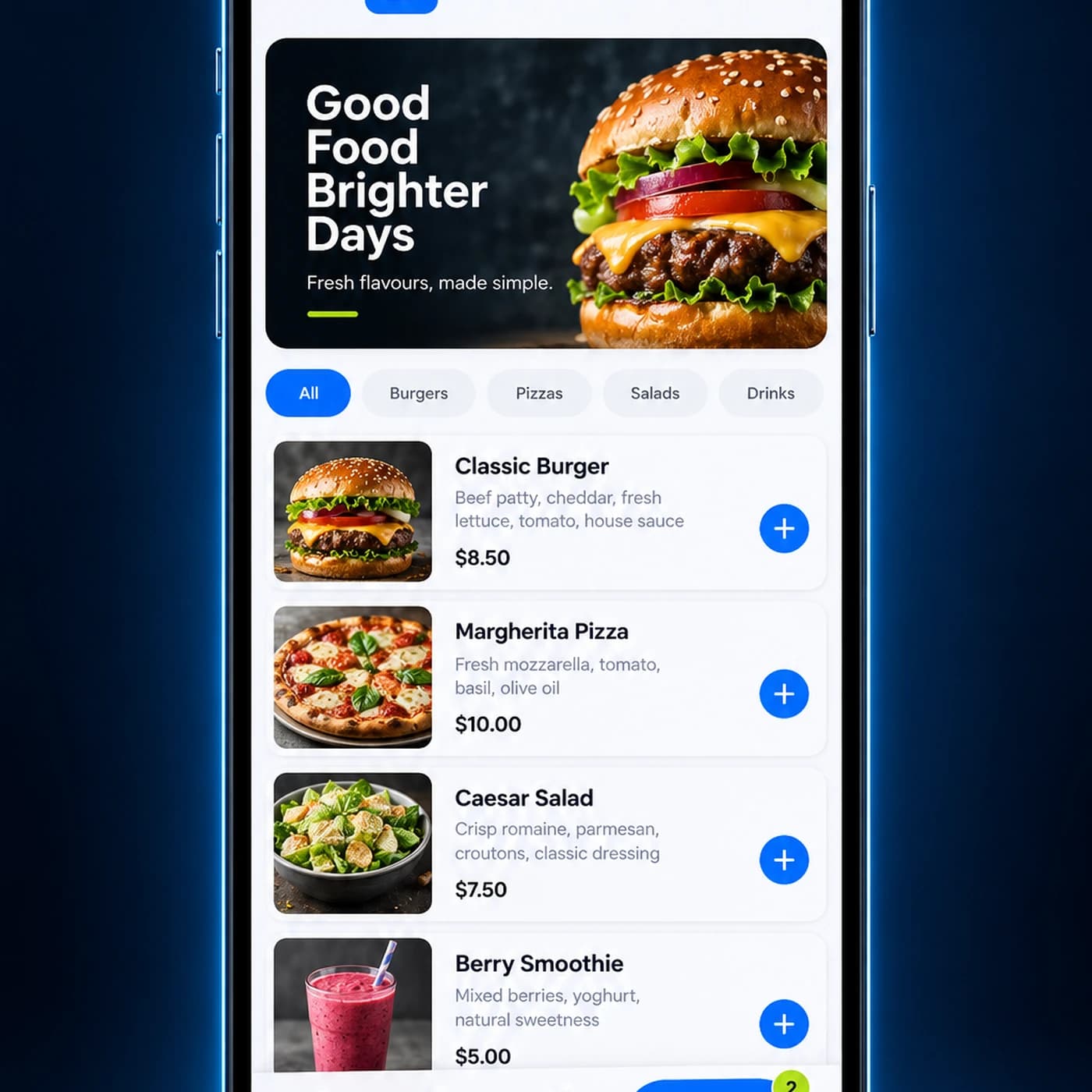
Features
What customers can do in your app
Order ahead
Browse products and place a pickup or delivery order from a phone.
Return to past orders
View order history and reorder familiar items when available.
Use your connected menu
Show customers the products and options managed in your ordering system.
How It Works
From app order to pickup or delivery
Customers place an order in your app, your team prepares it, and the order moves to its selected fulfilment option.
Browse and choose
Customers select products and options, then choose pickup or delivery.
Place the order
They review their basket and complete checkout using an available payment option.
Prepare and hand over
Your team receives the order in POS and prepares it for pickup or delivery.
Extend Your Ordering App
Connect app orders to your team
Bring orders from your customer app into the tools you use for sales, preparation, rewards, and delivery.
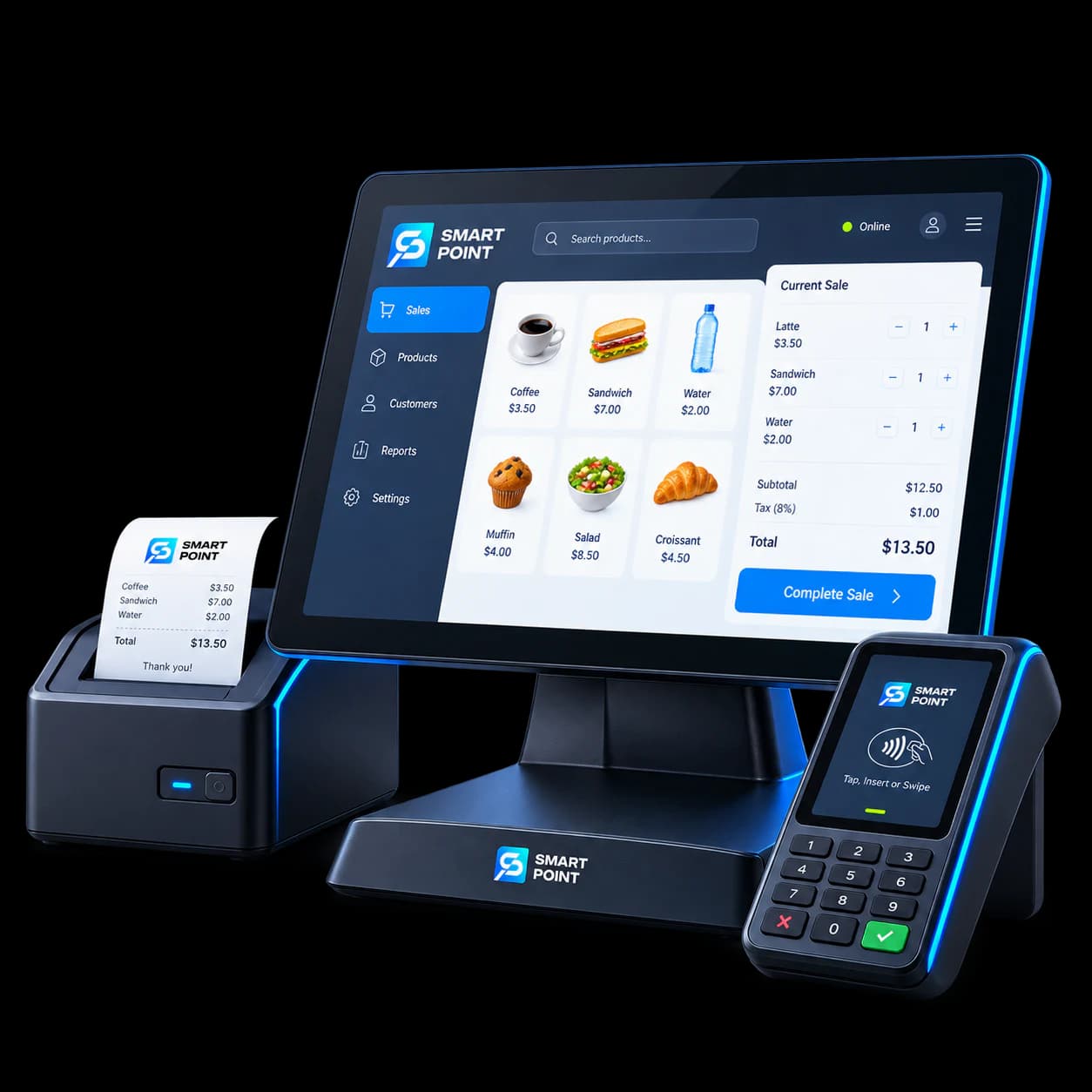
POS
Manage app orders alongside counter and in-store orders.
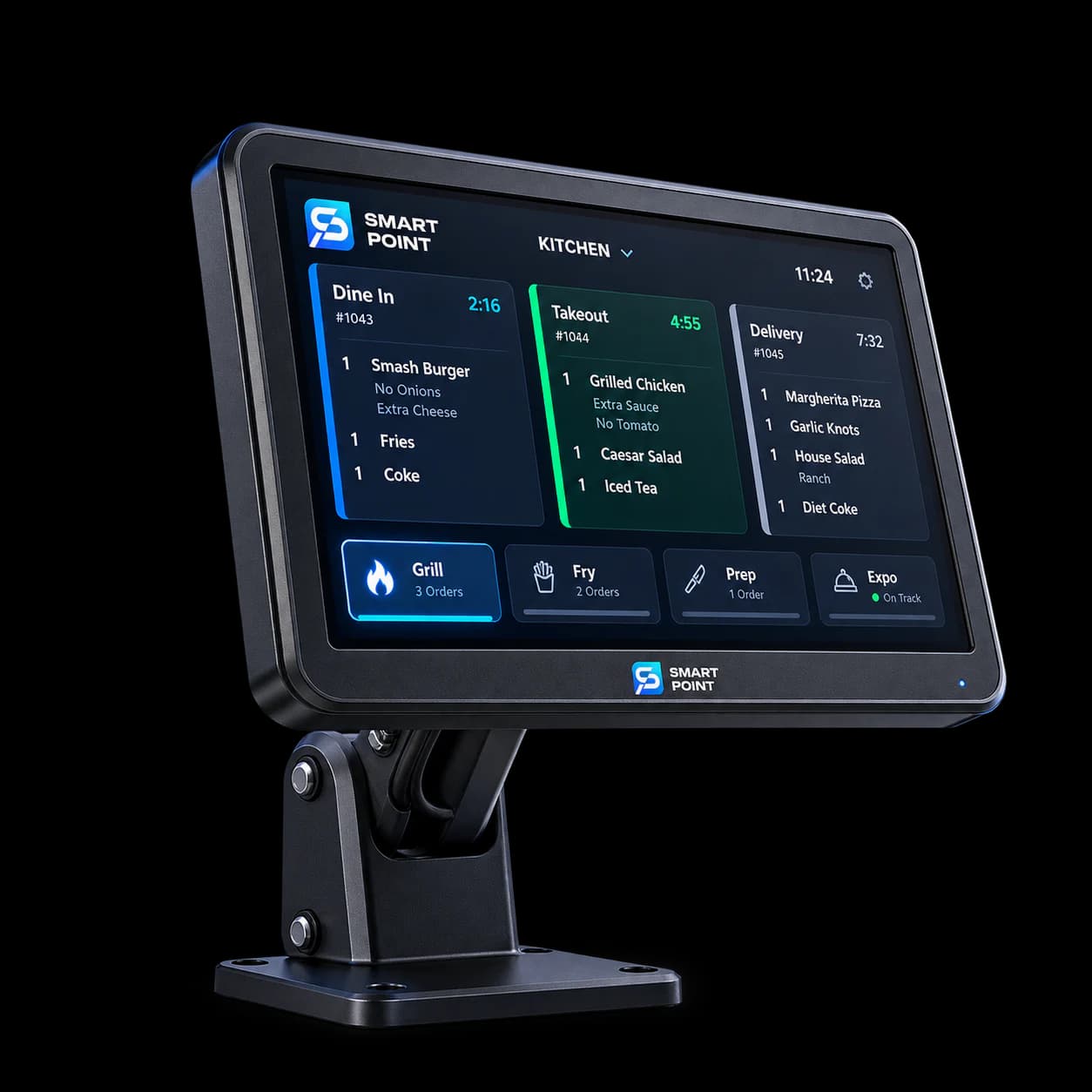
KDS
Send restaurant orders to the kitchen for preparation.
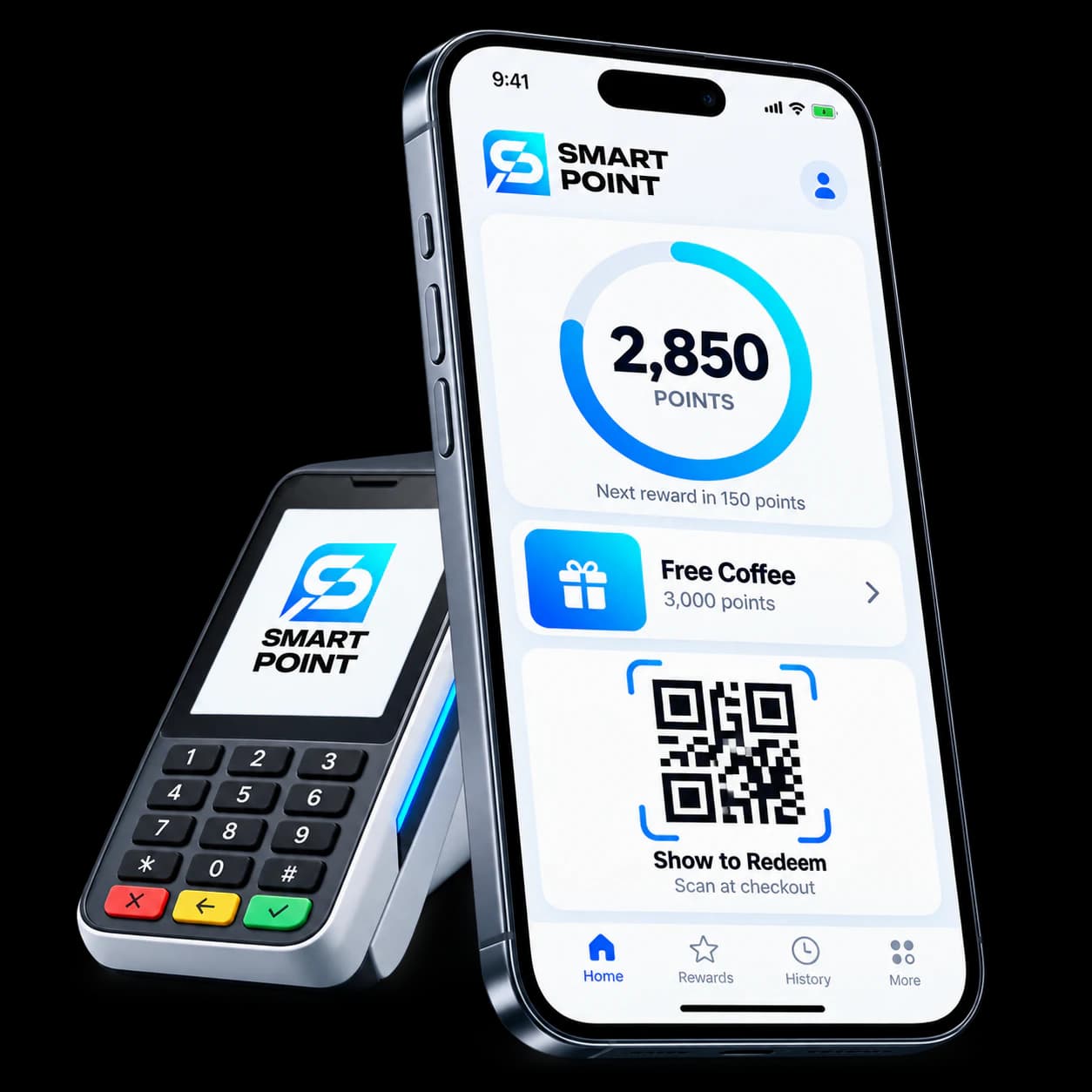
Loyalty
Let eligible app purchases contribute to your rewards programme.
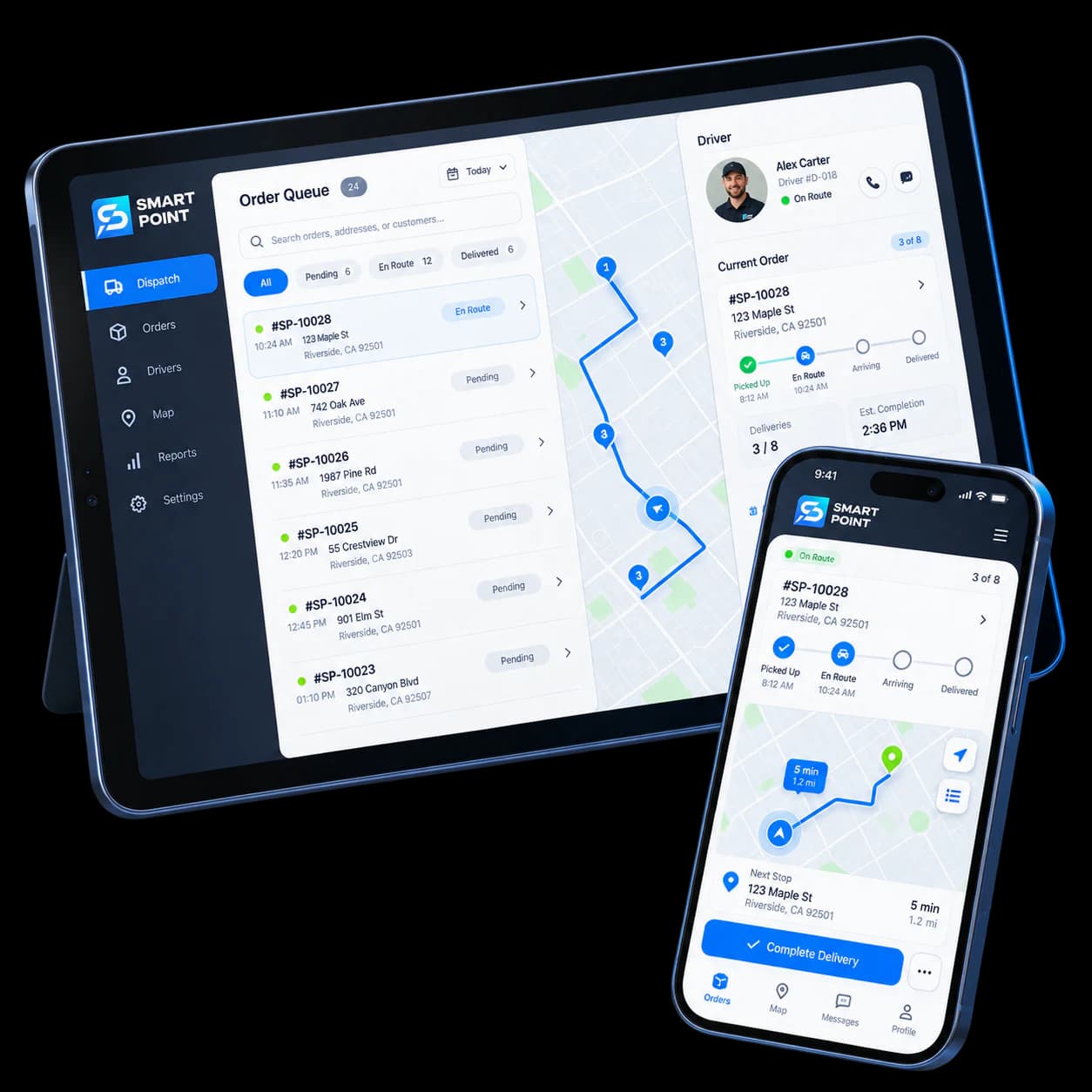
Delivery
Move delivery orders into your driver workflow.
Get Started
Give customers a direct way to order from you
See how your branded app takes an order from the customer’s phone to your team.