

Table Management
See your dining room on a live floor plan, check table availability, and keep each order linked to the right table throughout service.
Request a demo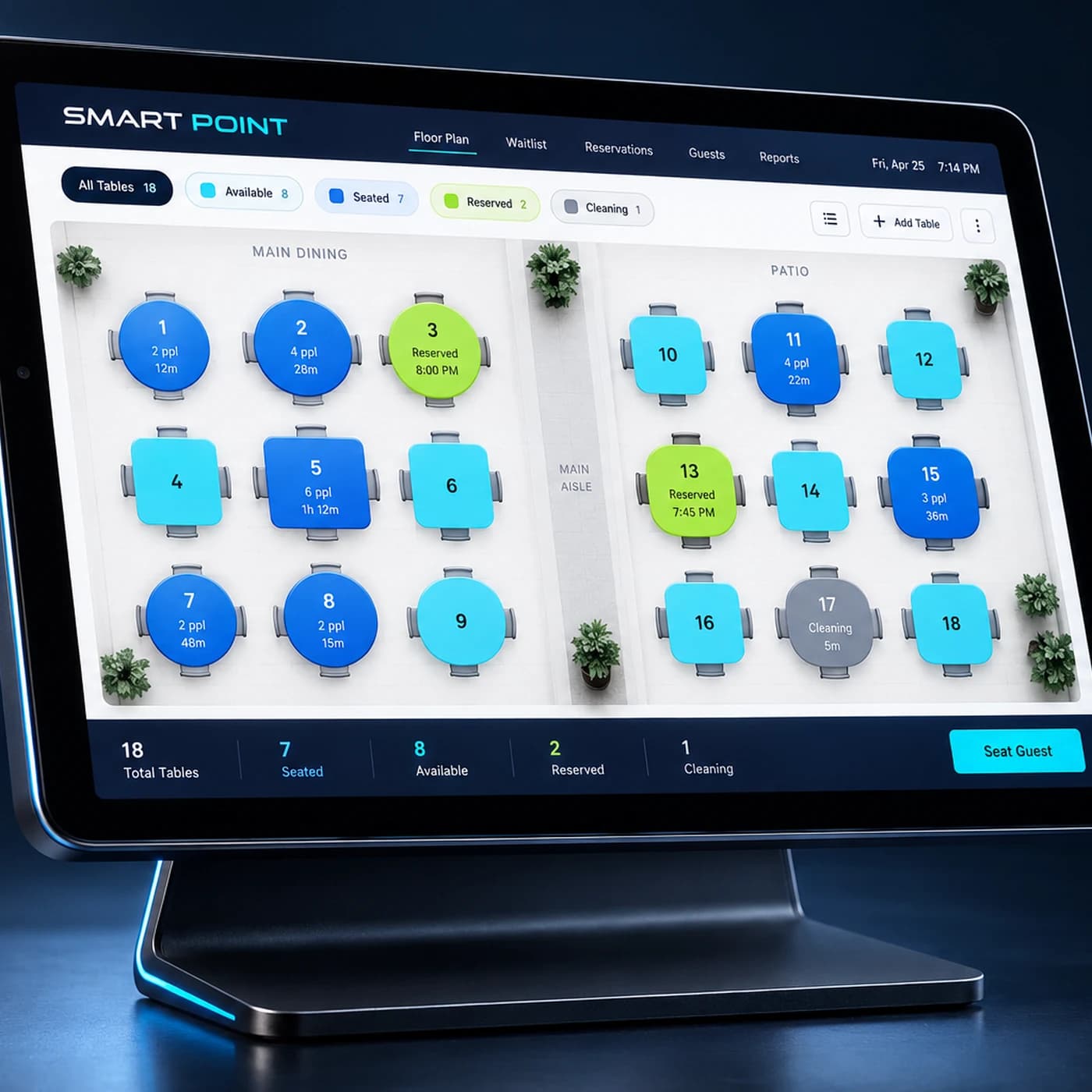
Features
What your team can manage from the floor plan
See table availability
Check which tables are available or occupied from one floor view.
Keep orders linked to tables
Open and follow each table’s order throughout service.
Handle changes during service
Move an order to another table, or split and merge checks when needed.
How It Works
From floor setup to the next guest
Map your tables, manage orders during service, and update table availability when guests leave.
Set up your floor
Add your dining areas and tables to match the layout of your restaurant.
Seat and serve
Select a table and keep its orders linked to it during the visit.
Close and reset
Settle the check and mark the table available for the next guests.
Extend Table Management
Connect every step of table service
Give your team the tools to take orders, send them to the kitchen, and manage the guest experience at each table.
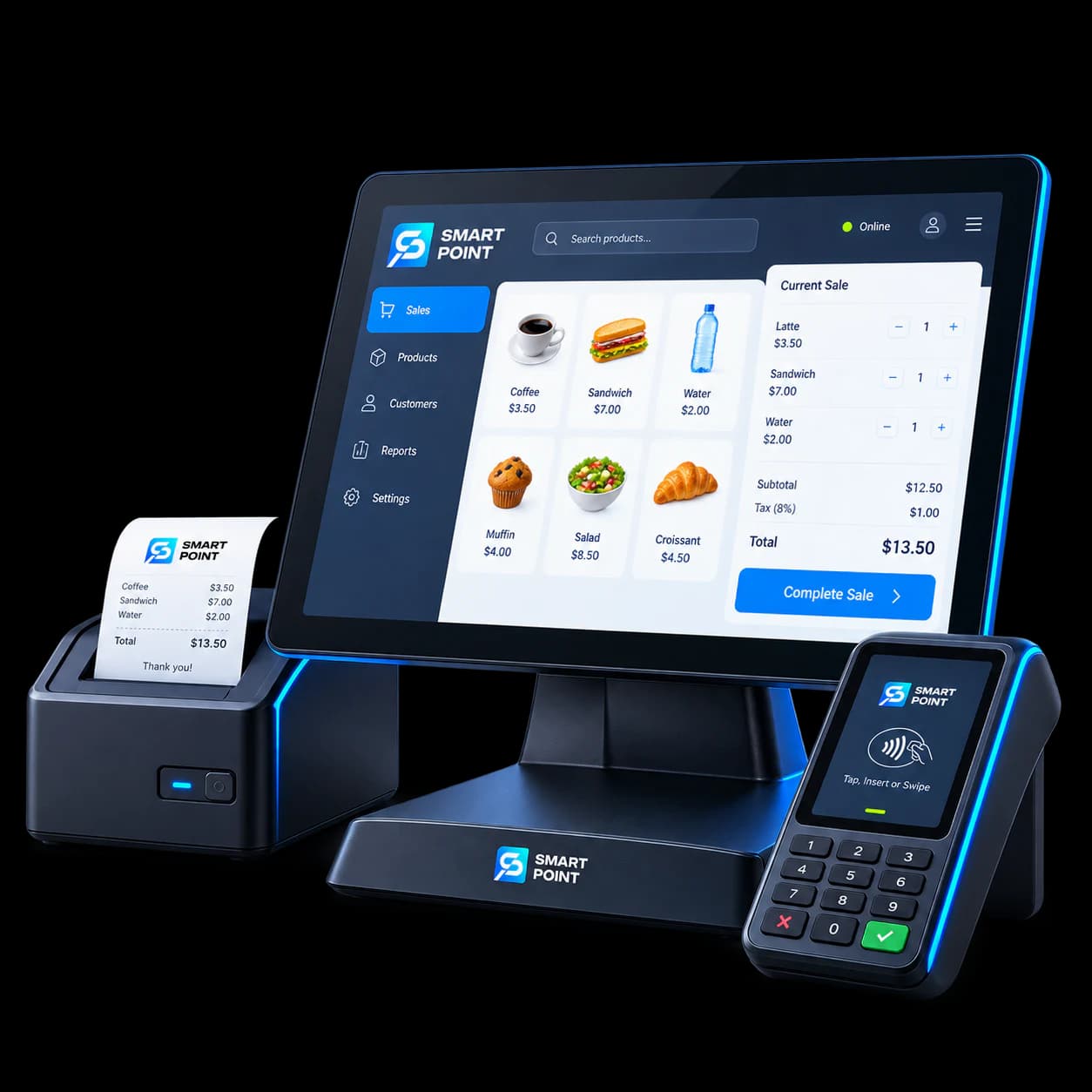
POS
Open, update, and settle orders linked to tables.
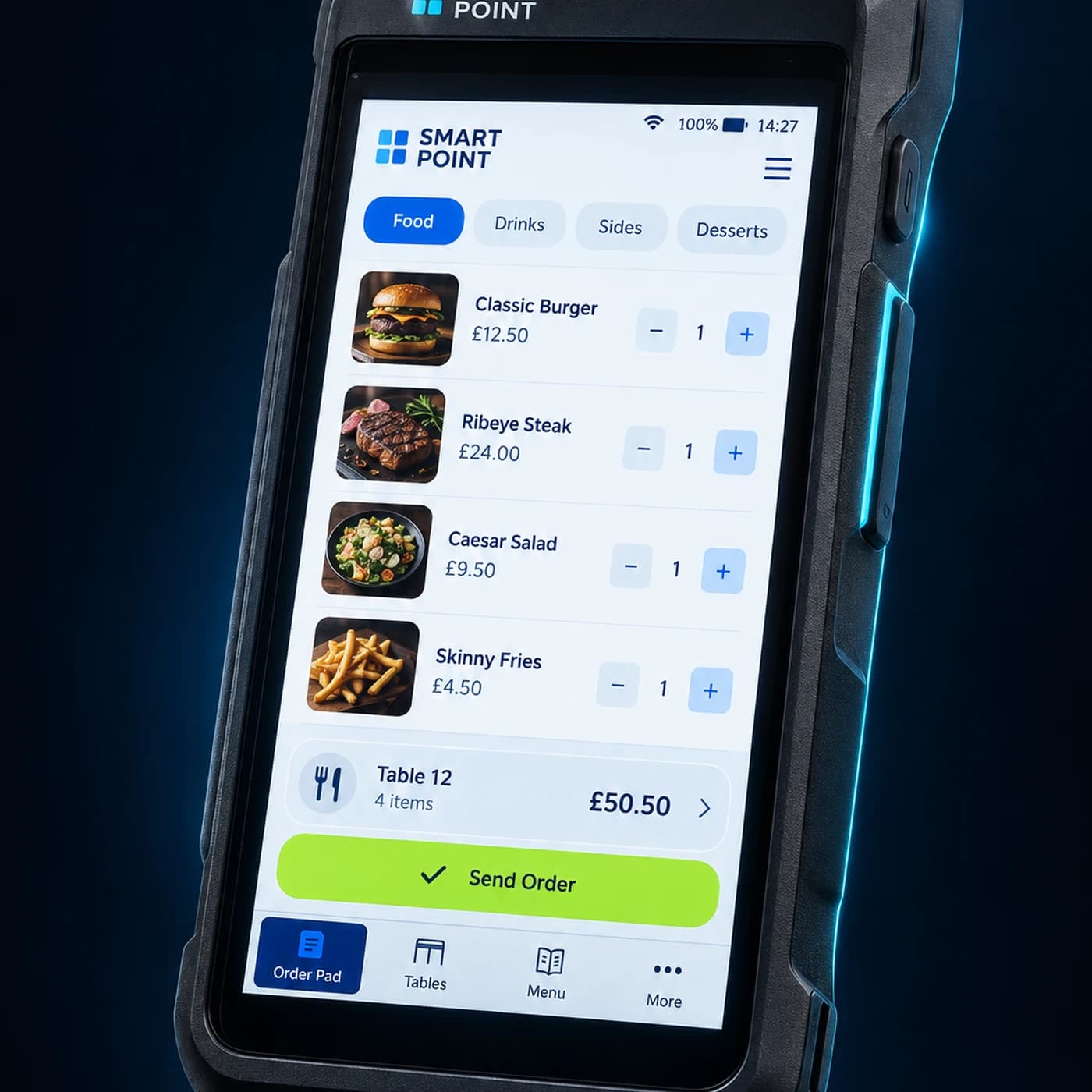
Waiter App
Let staff take orders directly at the table.
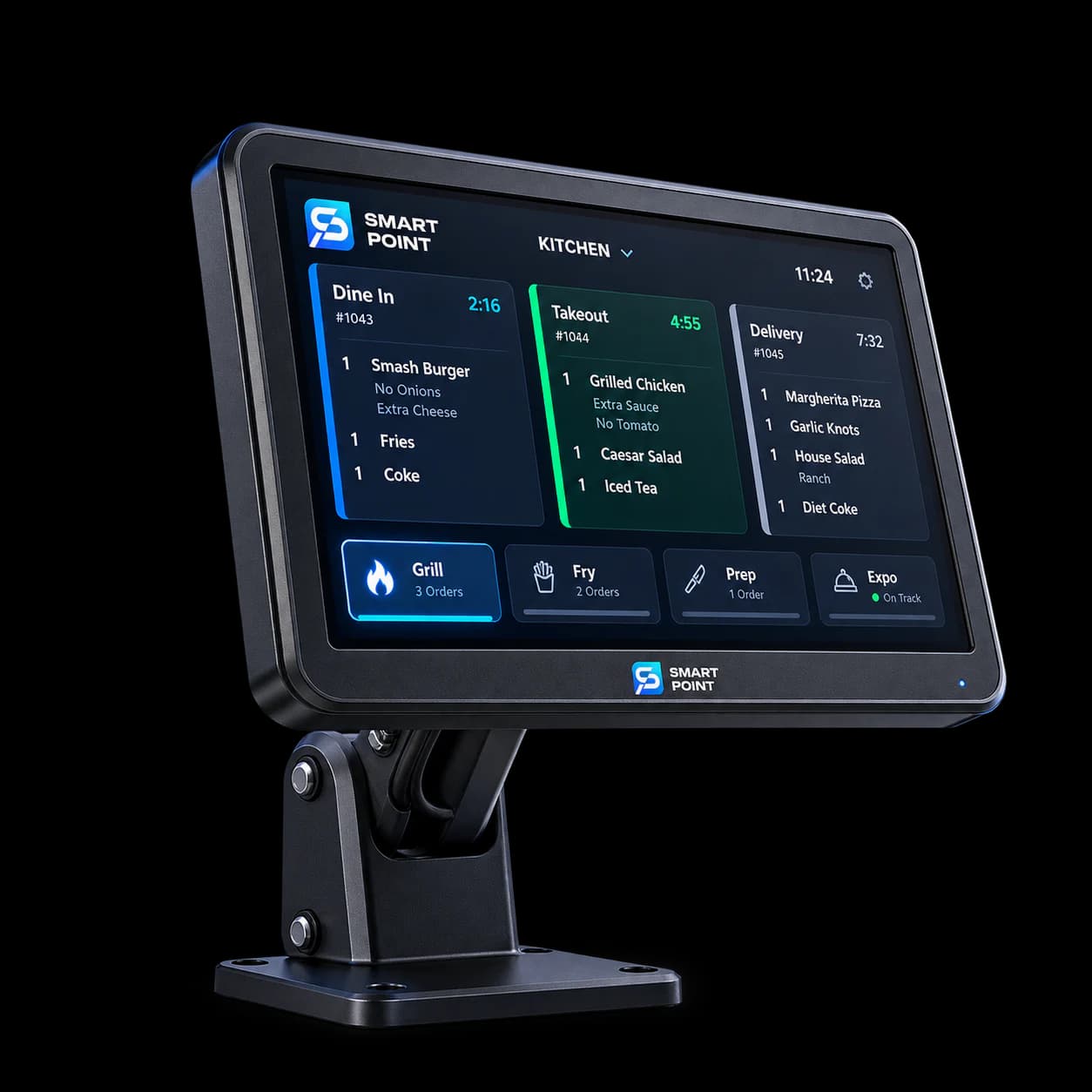
KDS
Show table orders to the kitchen for preparation.
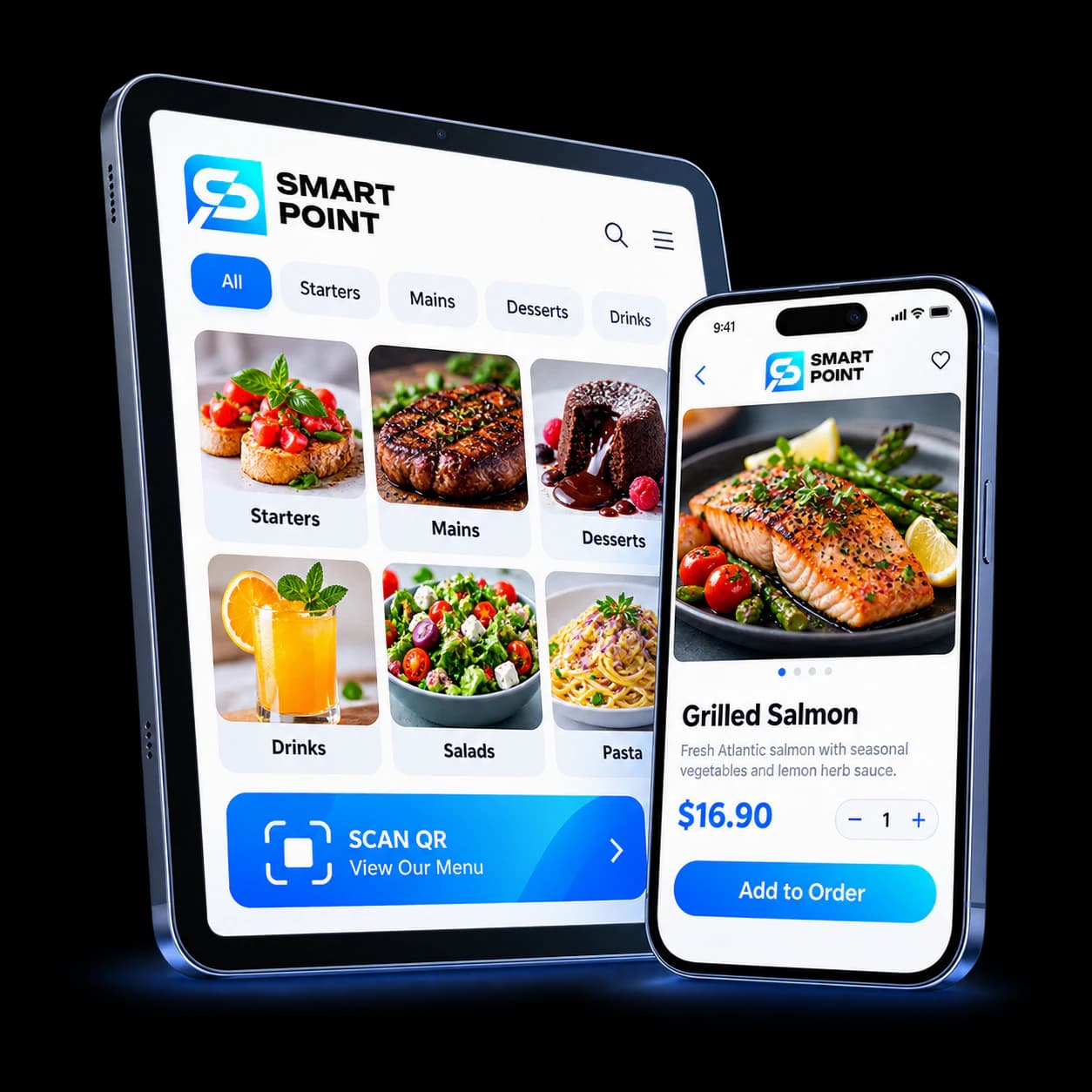
Cloud / QR Menu
Let guests browse the menu on their phones.
Get Started
See your dining room at a glance
Explore how your team can follow table availability and manage orders from seating through payment.